Upload two photos
Use an early photo and a present-day photo where the face is visible.
Free public photo morph service
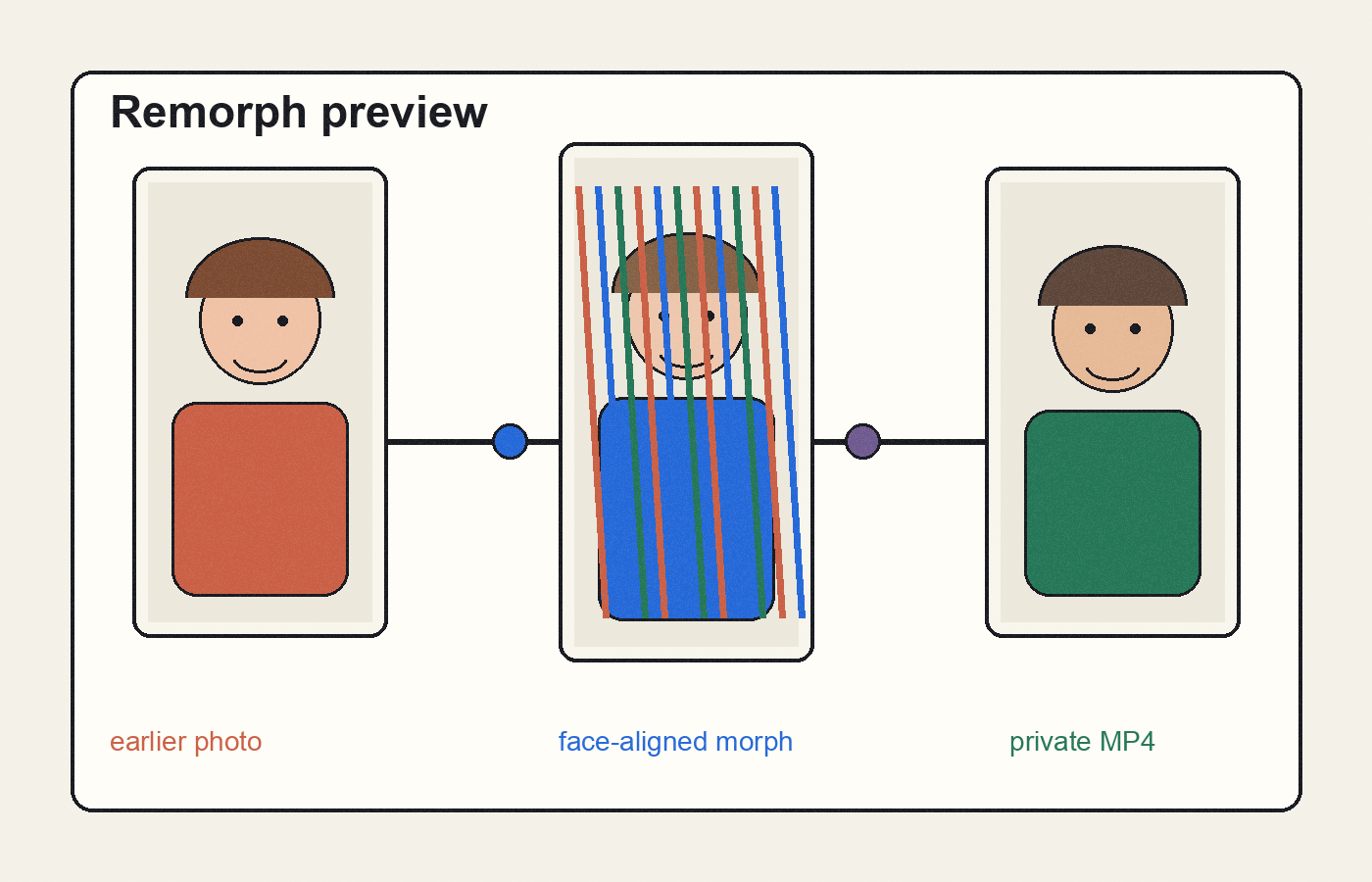
Upload an earlier photo and a recent photo. Remorph finds the face, aligns both images, renders the transition, and gives you a private MP4 download.
JPG, PNG, or WebP. Front-facing photos work best.
Graduations, birthdays, wedding slideshows, family reunions, farewell videos, class projects. Any moment where two photos carry the whole story.
Use an early photo and a present-day photo where the face is visible.
The site processes one video at a time and shows who is ahead of you.
Your result appears on the page with a private share link.
Uploads are used only to render your video. Files are kept behind unlisted links and automatically removed after about 48 hours. Please upload photos only when you have permission from the people shown.
Clear, front-facing photos with both eyes visible produce the cleanest morphs. Avoid sunglasses, extreme side profiles, heavy blur, and strong face obstruction.
Yes. It is a free public service with a fair-use queue so the server stays responsive.
The most common reason is that one photo did not have a detectable face. Try clearer, more front-facing images.
Yes, as long as you have permission to use the photos and the people in them.